From the guest comparison, Airbnb listings with high ratings and positive reviews can attract 3x to 5x more guest bookings than those with poor reviews. But most hosts still rely on messy manual tracking. Spending hours on missing patterns of email, spreadsheets, or negative reviews. This approach silently damages years of reputation and future booking rates.
But if they manage it smartly, as we do with Airbnb review management tools, things become (tracking, managing) more 60% to 70% simplified. But there are many tools out there – which suit our host? Here’s exactly what we discuss about those tools that are effective and easy to use in 2026. And their core benefits, features, and how to choose the best tools as per your needs.
What Is an Airbnb Review Management Tool?
An Airbnb review management tool is software that helps hosts monitor, respond to, and analyze guest reviews automatically. It also has an automated dashboard where everything is centralized. When everything is in front of your eyes, you can easily manage everything and maintain your superhost status. Let’s look at how it works and its core benefits, what we have getfor everyday operation:
- You can use the central dashboard to manage multiple properties in one convenient location.
- Its review mechanism automatically alerts you with an instant notification
- Instead you AI will reply on your behalf.
- Automatically set a time-specific check and send it accordingly.
- Also, track performance (monitors, recurring) to prevent issues arising, like cleaning or communication.
Some of these systems can remind guests to leave reviews.
If you use an Airbnb review management tool, you can respond to reviews faster, be more consistent, and not miss any feedback. As we know, responding to reviews can bring in up to 24% more booking requests, and 65% of guests like hosts who respond. Besides, strong responses also build trust, and 4 out of 5 travellers prefer listings where hosts reply with care. Not only that, hosts with a 1-star rating can also bring in an extra 9% of sales.
Best Airbnb Review Management Tools in 2026
| Tool | Key Features (review-related) | Pricing (entry, approx.) | Best For | Rating |
| Hospitable | Automated guest messaging, review management, multi-channel inbox, dynamic pricing | From $29/month for 1 listing (Host plan), scales by listings | Small-mid Airbnb hosts, multi-property STR | 4.6/5 |
| MARA Solutions | AI review reply generator, inbox & analytics, sentiment analysis, brand voice, surveys | €130/property/month (Inbox & Analytics, billed annually) | Hotels & pro hosts needing AI quick replies | Not clearly listed- often 4.5-4.8/5 |
| TrustYou | Centralized review inbox, sentiment AI, competitor benchmarking, surveys, response AI (Pro) | From €75/property/month (Lite, billed annually), higher tiers for more features | Hotels, guesthouses, larger operators | Generally 4.3-4.6/5 |
| Reviewshake | Multi-site review monitoring, automated review requests, templates, analytics, widgets | From $79/month (Individual), $139 Pro, higher for Business | Agencies, PMs, multi-location hospitality | Typically 4.7-4.8/5 |
| Birdeye | Review collection and monitoring, auto-responses, messaging, listings management, analytics | From $299/month per location (Starter), up to $449 for higher plans | Mid-size brands, enterprises, and franchises | Often around 4.7/5 |
Note: Ratings are aggregated/typical values from major review platforms (G2, GetApp, etc.), not official vendor claims. Always check the latest reviews before deciding.
1. Hospitable
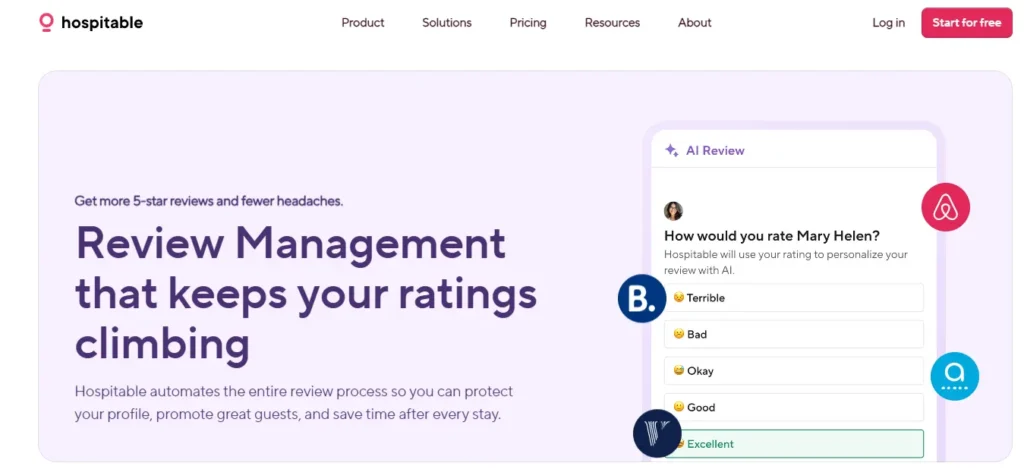
Hospitable started as a messaging tool. Now it handles reviews, calendars, pricing, and team tasks, all in one place. If you’re running short-term rentals across Airbnb, Vrbo, or Booking.com, it’s probably the most practical all-rounder on this list.
Key Features:
- Auto-posts reviews within Airbnb’s 14-day review window
- Uses randomised review templates so your reviews don’t sound copied
- Let’s you delay reviews for problem guests (smart move)
- Draft AI responses for both good and bad reviews
- Tracks reviews across multiple platforms
Pricing:
Plan | Price / Month | Included Listings |
Host Plan | $29/month | 1 listing |
Professional | $59/month | 2 listings |
Mogul | $99/month | 3 listings |
Pros and Cons of This Tool
Pros | Cons |
Purpose-built for short‑term rental hosts | Cost scales as you add more listings |
Strong multi‑site review monitoring | Learning curve for new users |
Powerful AI review/response tools | Can feel feature‑heavy for single‑property hosts |
Cross‑platform automation (Airbnb, Vrbo, etc.) | Advanced setup takes time |
Good mobile experience and reliability | Reporting is more basic than some “enterprise” tools |
Best For: Individual hosts and small property managers who want one tool for everything.
2. MARA Solutions
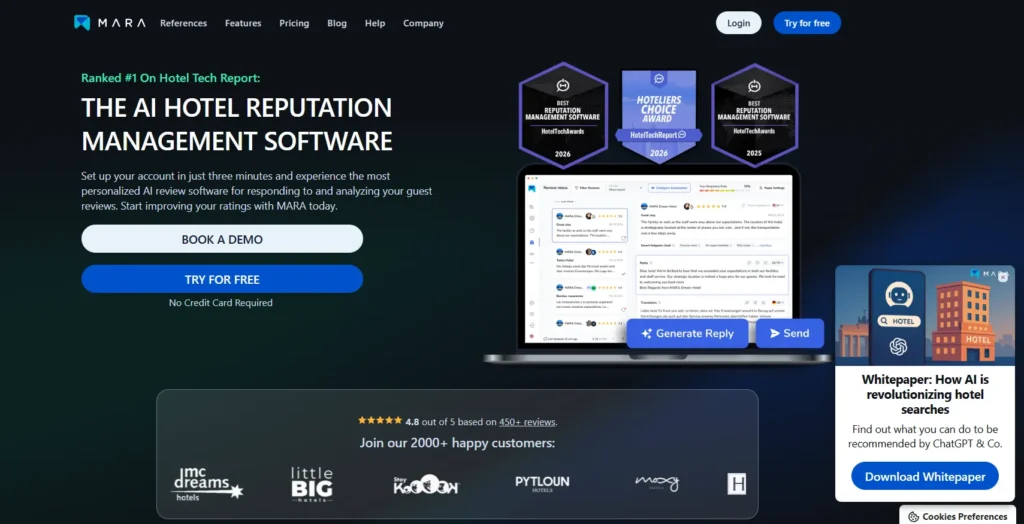
We very much like one thing about MARA, which is writing review responses that actually sound human. It learns your tone and replicates it very naturally, as if it were you. Hotels and STR assistance like us love it because the replies feel personal, not copy-pasted.
Key Features
- “Ask Reviews Anything” lets you query your review data directly
- Trains on your specific brand voice
- Works in 30+ languages
- Connects to your property management system
Pricing
Plan | Price (approx.) | Unit |
Generator Only | €60/month per property | Per property |
Inbox & Analytics | €130/month per property | Per property |
Pros and Cons of This Tool
Pros | Cons |
Very strong AI reply quality | Pricey for small or casual hosts |
Deep sentiment and review insights | Geared more to hotels than pure Airbnb use |
Works well in pro hotel workflows | Review‑only focus, not full PMS/operations |
Great multi‑language support | Overkill for a single or very small listing |
Best for: Hotels or serious operators who care deeply about how responses read.
3. TrustYou

TrustYou is the big-data player in this space. It’s less about speed and more about understanding exactly what guests think and how you compare with nearby competitors. Global brands rely on it for that reason.
Key features
- TrustScore is recognized by Google and Kayak
- Competitor benchmarking is built in
- Custom guest surveys (mid-stay and post-stay)
- AI response templates for high volume
Pricing
Plan | Price (approx.) | Notes |
Lite | From $75/month | Entry tier, per property |
Enterprise | Custom pricing, $150+/property | Typically quote-based, scalable |
Pros and Cons of This Tool
Pros | Cons |
Gold standard for review analytics | Interface can feel heavy/complex |
Excellent benchmarking for hotels | The entry plan is fairly limited |
Huge data coverage across platforms | Pricing and plans are not very transparent |
Strong for large hotel groups/portfolios | Overkill for a single Airbnb listing |
Unified view of guest feedback | Set up and learning curve for small teams |
Solid for long-term trend tracking | – |
Best for: Hotel groups and larger operators who need depth of data over speed.
4. Reviewshake
Reviewshake covers more review platforms than any other platform, with over 120 sites. It’s clean, easy to use, and doesn’t require a tech background to get running. Agencies especially like the white-label option.
Key Features
- Automated review requests via SMS and email
- Monitors 120+ platforms from one dashboard
- Website widgets to display your best reviews
- White-label option for agencies
Pricing
Plan | Price (approx.) |
Individual | $79/month |
Professional | $139/month |
Business | $179/month |
Pros and Cons of This Tool
Pros | Cons |
Great for multi‑platform review management | Can feel complex for a single listing |
Strong fit for hotels and multi‑property STR | Pricing scales with the number of locations |
Good automation for review requests/replies | Some integrations may require third‑party tools |
Easy to get started/set up | UI feels more functional than polished |
Helpful customer support |
Best for: Multi-location operators and agencies managing reviews across many sites.
5. Birdeye
Birdeye is the heaviest tool on this list. Reviews, social media, webchat, listings, payments, everything it handles alone. If you’re running dozens of properties or a franchise, that makes sense. For smaller operators, it’s probably more than you need.
Key features
AI for reviews, social posts, and customer summaries
Listings management keeps your info consistent across the web
All messages (text, social, webchat) in one inbox
Built for teams with role-based access
Pricing
Plan | Price / Month | Billing Unit |
Starter | $299/month per location | Per location |
Growth | $399/month | Per location |
Dominate | $449/month | Per location |
Pros and Cons of This Tool
Pros | Cons |
Very strong AI review generation & replies | Typically priced for multi‑location brands |
Deep analytics and Birdeye Score insights | Most expensive option in this group |
Great for scaling reputation across locations | Likely overkill for 1-2 listings |
Strong local SEO and listings impact | Usually requires onboarding and process changes |
Massive, all‑in‑one feature set | Often tied to longer-term contracts |
Best for: Large hospitality brands, franchises, or multi-location operators who want one platform for everything.
How to Use an Airbnb Review Management Tool (Step-by-Step Guide)
To use the Airbnb management tool, first sign up for a tool like Hospitable, connect your Airbnb account, and set up automatic review requests. Check your dashboard daily, respond to reviews quickly, and use the analytics to spot what guests love or complain about. Getting started isn’t complicated. Here’s exactly what to do.
Step 1. Choose & Sign Up
First, go to Hospitable.com and choose the Host plan, which offers a 14-day free trial with no credit card required. That’s enough time to see if it actually fits your workflow before spending anything.
2. Connect Your Airbnb Account via API
After that, open your Airbnb account in one tab in Hospitable, then
- Go to Connected Accounts → Add Channel → Airbnb
- Choose the Official API integration, but not iCal links, those are outdated
- Approve the connection
Your listings will show up within minutes. Guest names, reviews, and messages all sync automatically from that point on.
Step 3. Set Up Auto-Requests and Templates
Don’t wait and hope guests leave reviews. Set up an automatic message.
- Go to Guest Experience → Messaging Rules
- Set it to send 2 hours after checkout
Use Shortcodes To Keep It Personal:
“Hi [guest-first-name]! It was great hosting you. I’ve left you a 5-star review. If you enjoyed your stay at [listing-name], a quick review from you would mean a lot!”
Do the same for your review reply templates. Write one for great stays, one for average stays, and one for complaints. You’ll thank yourself later.
Step 4. Monitor Your Dashboard Daily
This task management takes a max of five minutes. Open the Guest Experience tab each morning and look at two things:
- Who hasn’t been reviewed yet
- Any new reviews that need a response
One thing worth knowing is that- if a guest had a bad stay, mute the auto-review. It helps you avoid triggering a negative review that could affect your rating. If a bad review still appears, respond calmly and professionally. When feedback violates platform policies, some hosts consider Airbnb review removal services as their next step.
Step 5. Respond and Analyze for Improvements
When a review comes in, Hospitable drafts a reply using AI. Read it, tweak it if needed, then approve. Don’t just approve guest reviews blindly- add a small personal touch that makes it feel more genuine.
At least once a month, check your Sentiment Analysis report. It learns the words that guests keep using, like “noisy AC” or “great coffee.” That’s real feedback. Use it to fix what’s not working and highlight what guests already love in your listing.
How to Choose the Right Airbnb Review Management Tool
Choosing the right tool depends on a few core factors. Such as how many listings you have, how much automation you want, what you can spend, and whether it connects to your existing systems.
Picking the wrong tool wastes money. As a review, work as social proof- taking chances with it could hurt your reputation. That’s why picking the right one matters and saves you hours every week. Here’s how to decide without overthinking it.
Based on the Number of Listings
First, make the thing simple. If you have 1-3 listings, Hospitable’s basic plan covers what you need without paying for features you’ll never touch. If you have 5-20 listings and handle multiple platforms, you need a tool with a unified inbox. At 50+, you need team roles and reporting. That’s where TrustYou or Birdeye actually earn their price.
Automation Level Required
Think honestly about how involved you want to be. Some hosts want to read and approve every reply, so here Reviewshake works well for that. Others want AI to draft replies and just click ‘send’- that MARA handles perfectly. And if dont have time and want a tool that just runs on its own with minimal check-ins, Hospitable and Birdeye are built for that kind of hands-off setup.
Budget Considerations
Don’t let a tool’s feature list convince you to overspend. Start by estimating what one extra booking per month is worth to you, then decide whether the tool pays for itself. Hospitable fits tight budgets. MARA sits in the mid-range. Birdeye is an investment that only makes sense on a real scale.
Integration with PMS or Channel Manager
If you already use a PMS like Cloudbeds or Guesty, check whether the tool connects directly or needs workarounds. MARA and TrustYou plug in cleanly and automatically sync guest data. But if you’re not using a PMS yet, something like Hospitable can cover both messaging and reviews, which makes it a nice starting point before you scale.
We understand how challenging it is to manage multiple listings. If you find someone to manage your Airbnb alongside tools, it will be more efficient for you.
What Іs The Best Free Airbnb Review Management Tool?
Hospitable offers the best free start with a 14-day trial, no credit card needed. Airbnb’s built-in tools are permanently free but limited to manual replies only.
The truth is, there is no single free tool that handles everything. Most free options let you see your reviews and reply manually, but anything automated, like AI-drafted replies or cross-platform alerts, always costs money. If you want to test a proper tool before paying, Hospitable’s 14-day free trial gives full access with no credit card required.
Also, Airbnb’s built-in tools are free forever, and they work fine if you have one listing and enough time to manage replies yourself. But once you start getting more bookings or add a second property, doing it manually gets messy fast.
Do Review Management Tools Work For VRBO and Booking.com Too?
Yes. Tools like Hospitable, Hostaway, Revyoos, Birdeye, and Reviewshake connect Airbnb, Vrbo, and Booking.com into a single dashboard. So you can monitor and reply to reviews from all platforms without switching apps.
Most tools today connect to more than just Airbnb. Platforms like Hospitable, Reviewshake, and Birdeye pull reviews from Vrbo, Booking.com, Google, and TripAdvisor into one place so you can respond without switching between apps. If you get a review on Booking.com, the tool flags it and helps you reply from the same dashboard you use for Airbnb.
One thing worth knowing is that delaying your review only works on Airbnb. Some hosts use this to avoid a bad review from a difficult guest communication. But this won’t work on Vrbo or Booking.com because they use different review systems.
How Much Do Airbnb Review Tools Cost?
For the basic range, keep in mind $5.99 and $100+ per month. But most Airbnb review hosting tools cost $29- $79 per month for solo hosts. Multi-property managers pay $100- $200 per month. Enterprise platforms like Birdeye start at $299 per location.
The price mostly depends on how many properties you manage. If you have one or two listings, good tools start around $29 to $79 per month, and at that price, you get review automation, a shared inbox, and basic AI replies.
If you are managing five or more properties, you are likely looking at $100 to $200 per month, since most platforms charge per listing at that scale. Large operators running dozens of units often pay $300 or more per month for tools that include reviews, messaging, analytics, and team access, all in one place.
Based on real hosting experience on Airbnb and other vacation rental platforms, we can say that “if the tool prevents a single bad review or adds an extra booking, from our point of view, the cost of the tool is already covered.” That’s why many growing hosts find it worthy.
Final Decision
Airbnb review management tool not only simplifies or prevents negative reviews (automatic communication), but also gives you proper management visibility as your third eye for hosting reputation.
This review tool isn’t something every host needs from day one. If you have one listing and stay active, manual replies can still work. But as you grow, it becomes essential. Now we use it for our daily operations to make sure our hosts’ listings are at their best. It helps protect their reputation and maintain Superhost status.
So, if you’re planning to scale up your hosting, an Airbnb management of review tool quietly becomes part of running things well, not just an extra tool.