Quick answer
If Airbnb didn’t compensate you after a guest cancelled, the reason is almost always your cancellation policy tier, not an error on Airbnb’s side. Check which policy your listing is actually set to right now, since Airbnb rebuilt its entire cancellation system on October 1, 2025 and migrated most listings automatically. If the payout still looks wrong under your current terms, gather your evidence, open a Resolution Center case, and escalate to Airbnb Support with documentation. Adjusting your policy tier is what prevents it from happening again.
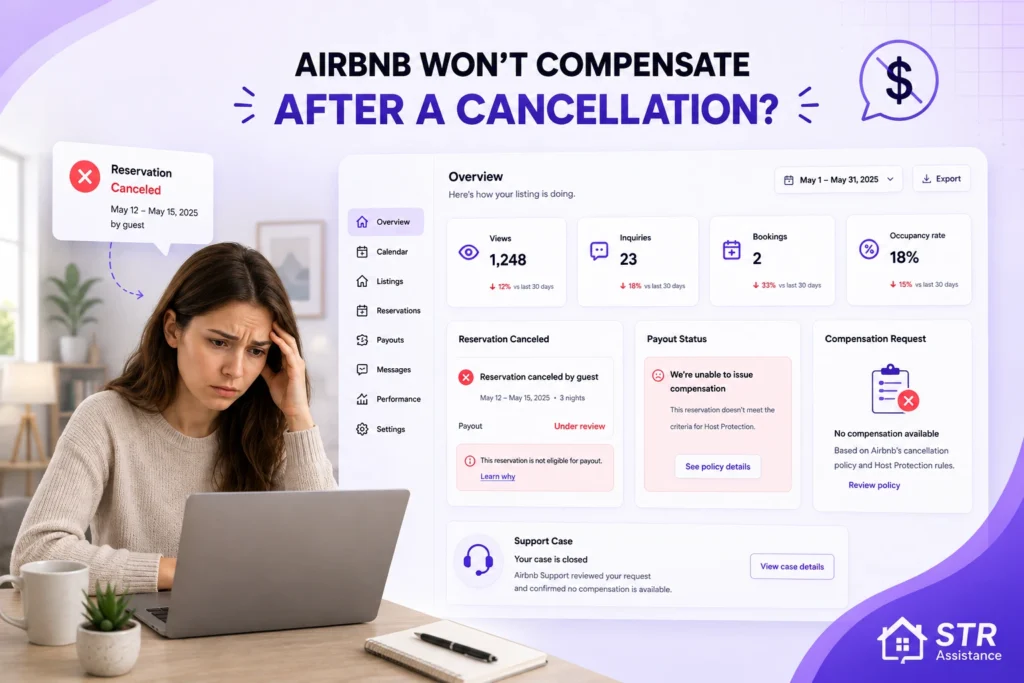
When a guest cancels a reservation near the check-in day, the listing remains empty for those reserved days. The host can’t have any income for those days if they can’t quickly rebook the dates. If the host has set a cancellation policy that allows for limited refunds to guests as per their cancellation time, the host is left with a financial loss.
This is one of the more frustrating situations hosts bring to us, partly because the answer is rarely “Airbnb made a mistake.” Our Airbnb virtual assistant team at STR Assistance handles cancellation disputes and payout issues for hosts regularly, and in most cases the cause traces back to a policy setting the host didn’t realize had changed, or terms they never fully read when they picked the tier.
This guide covers why compensation gets denied, what you can actually do about it after the fact, and how to set your policy so the same thing doesn’t cost you again.
What Changed in Airbnb's Cancellation System
Before troubleshooting a specific payout, it’s worth knowing that most cancellation advice online, including guides published as recently as last year, describes a system that no longer exists.
The Strict policy was retired. Airbnb rebuilt its cancellation system on October 1, 2025, retiring the Strict tier and migrating most listings automatically. Hosts now choose from four standard policies for stays under 28 nights: Flexible, Moderate, Firm, and Limited. If your dashboard still says “Strict,” it no longer means what it used to, and you should check what your listing was migrated to.
Super Strict policies are being phased out. These are scheduled to disappear completely for most short-stay listings by September 2026.
A universal 24-hour free cancellation window now applies. Every standard policy for stays under 28 nights includes it, regardless of which tier you picked. Guests can cancel within 24 hours of booking for a full refund.
Reserve Now, Pay Later went global in February 2026. Guests can book with nothing upfront. Adoption hit roughly 70% of eligible bookings, and platform cancellation rates rose from 16% to 17% after launch. Hosts cannot opt out. The feature is only available on listings set to Flexible or Moderate, which is worth factoring into your tier choice.
The Extended Cancellation Option is being tested. This is a guest-paid add-on that lets travellers buy free cancellation up to 24 hours before check-in. Your payout stays protected under your underlying policy, with Airbnb covering the shortfall. It’s currently limited to a small number of markets.
Payout reversals are now possible after a stay ends. Under the Payments Terms updated in 2025, Airbnb can recover a payout from your account if a guest successfully disputes a charge later, including through their credit card company.
Why Airbnb Does Not Compensate You After a Cancellation
Airbnb doesn’t compensate hosts for guest cancellations when the cancellation falls within the refund window your own policy allows. Hosts set their own booking terms, and those terms decide the payout.
The most common reasons a host receives nothing:
- Your policy tier allows a full refund at that point. Under Flexible, a guest cancelling 24 hours before check-in gets everything back. Under Moderate, the cutoff is five days. If the cancellation lands inside your refund window, there’s no compensation owed.
- The cancellation happened inside the universal 24-hour grace period. This applies to every standard policy now, even ones you’d expect to be protective.
You cancelled the reservation, not the guest. Host cancellations trigger fees rather than payouts. The minimum is $50, and it scales with the booking total and timing: 10% if cancelled more than 30 days out, 25% between 30 days and 48 hours, and up to 50% within 48 hours of check-in. Our full breakdown of an Airbnb last-minute cancellation covers each fee tier, the $1,000 cap, and when Airbnb waives the penalty.
- The cancellation was caused by a problem on your end. If the guest cancelled because of an issue with your listing, you generally won’t receive a payout for those nights.
- Airbnb’s Major Disruptive Events Policy overrode your terms. This replaced the older extenuating circumstances policy and covers events like natural disasters, government travel restrictions, and public health emergencies. When it applies, guests can be refunded regardless of your policy tier.
What to Do If Airbnb Does Not Compensate You After a Cancellation
If Airbnb does not compensate you as a host after a guest cancels, review your Airbnb host cancellation policy and Airbnb’s policies for insights. Contact Airbnb support to dispute the situation and document all communications and evidence.

Check Which Policy Your Listing Is Actually On
This is the first step, and it’s the one most hosts skip. Given the October 2025 migration, your listing may be on a different tier than the one you originally chose. Open your listing settings and confirm the current policy name and its exact terms, then compare that against when the guest cancelled.
If the payout matches your current policy terms, there’s nothing to dispute. If it doesn’t, you have a case worth escalating.
Gather Evidence Before You Contact Anyone
Airbnb Support moves faster on documented cases. Before opening anything, collect:
- Screenshots of the cancellation notice, with the timestamp visible
- Documentation of any costs you incurred because of the cancellation
- Evidence your listing was ready and available for the reservation, such as timestamped photos or cleaner confirmation
- Your full message thread with the guest, kept on the Airbnb platform
- A screenshot of your cancellation policy settings as they appear now
Keep everything in one place. Scattered evidence submitted across multiple messages slows the review down considerably.
Use the Airbnb Resolution Center
The Resolution Center is where payment-related requests between hosts and guests get handled formally. Open a request from the affected reservation, explain the situation factually, and attach your evidence in a single submission.
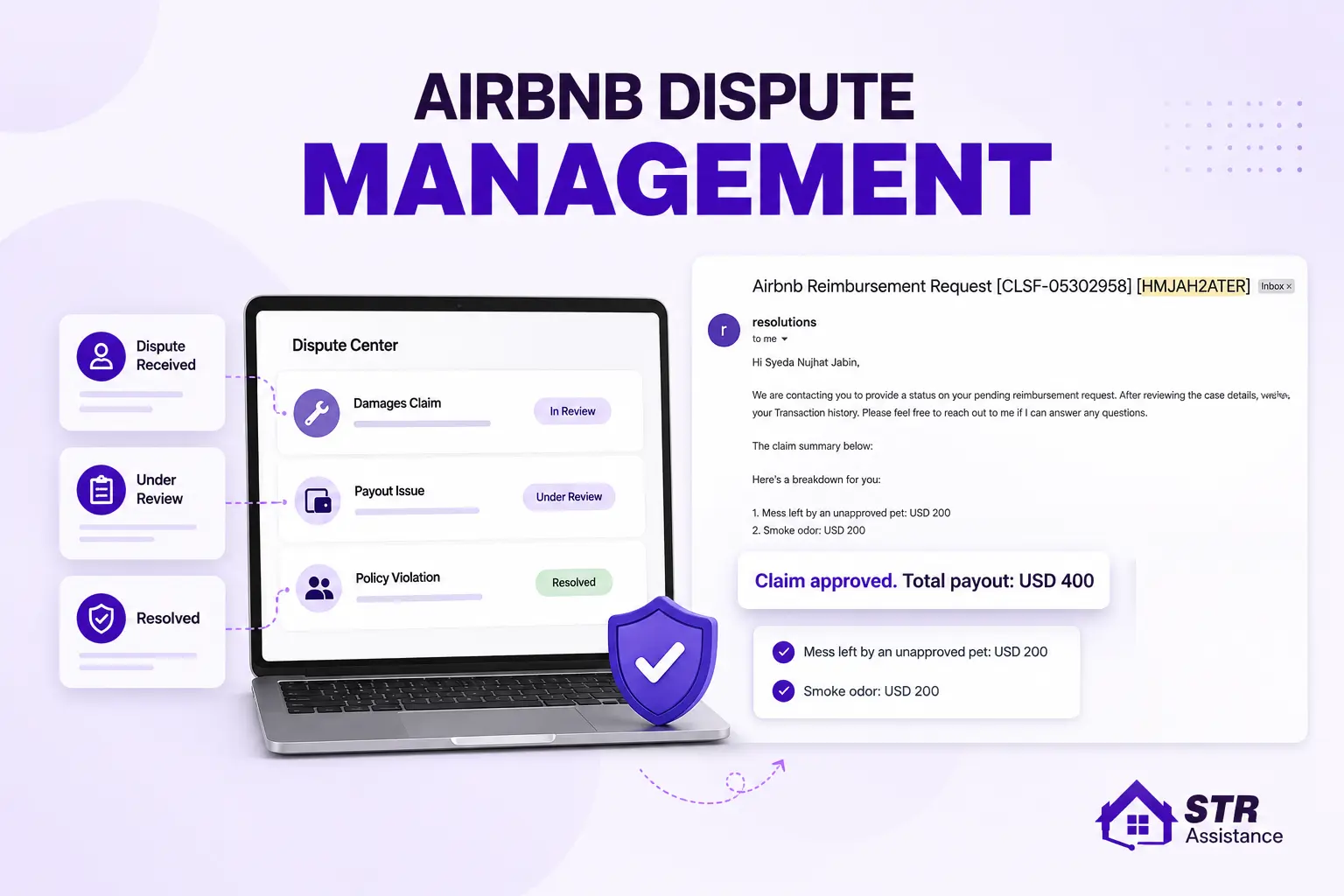
Note that the Resolution Center is designed for host-to-guest money requests. If your dispute is with Airbnb’s payout calculation rather than with the guest directly, you’ll likely need Support instead. Our guide on Airbnb dispute management covers how the Resolution Center works in full, including the mediation step and what case managers actually look for.
Escalate to Airbnb Support
If the Resolution Center doesn’t resolve it, contact Airbnb Support directly. Reference your reservation code, explain specifically what you believe was calculated incorrectly, and attach the same evidence package.
Ask two things directly: what policy terms were applied to this cancellation, and what would need to be different for the outcome to change. Vague complaints get vague responses. Specific questions about policy application get specific answers.
If the first agent’s response doesn’t address your actual question, ask for the case to be reviewed at a higher level rather than restating the same argument.
Consider Legal Action Only for Larger Amounts
Legal action is available but rarely worth it for a single cancelled booking. Small claims court is the practical route for smaller disputes, and it costs time as well as filing fees.
Before going that direction, get a realistic sense of the amount in dispute versus what recovery would cost you. For most single-booking disputes, adjusting your policy going forward protects more revenue than pursuing the individual case.
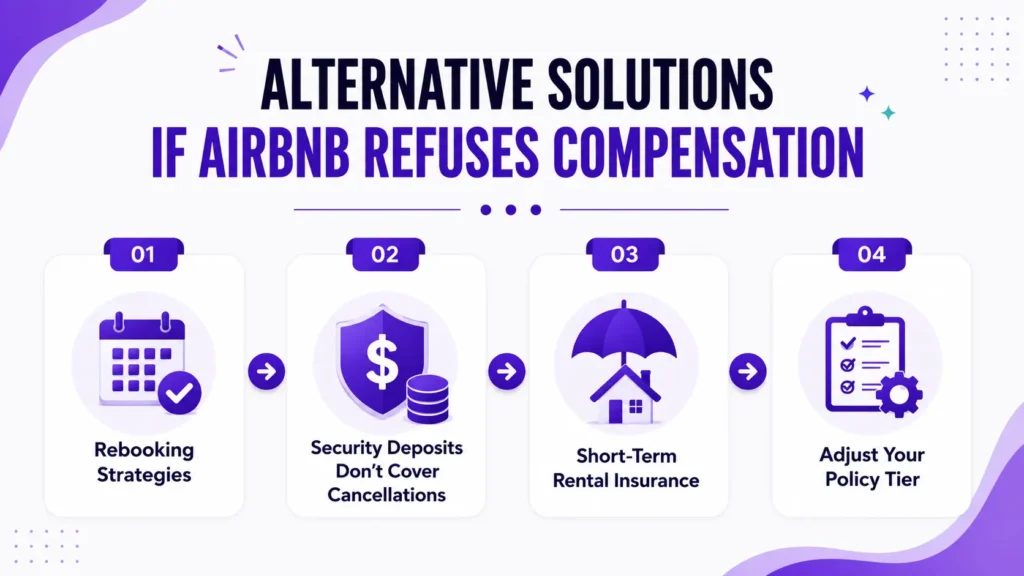
Alternative Solutions If Airbnb Refuses Compensation
When the payout isn’t coming, the fastest way to recover the loss is refilling the dates rather than fighting over them.
Rebooking Strategies
Last-minute openings need pricing that reflects the shortened booking window. Consider a temporary rate reduction for those specific dates, since a discounted booking recovers more than an empty night at full price.
A few things that help dates refill faster:
- Use dynamic pricing to adjust automatically for the shortened lead time. Our Airbnb dynamic pricing service handles this if you’d rather not track it manually.
- Turn on Instant Book if it’s off. Last-minute bookers overwhelmingly filter for it.
- Check that your minimum-stay setting isn’t blocking shorter bookings that could fill the gap.
- Make sure the newly-open dates are actually showing as available, not still blocked from the original reservation. If you list on more than one platform, channel manager software reopens those dates everywhere at once, so they don’t stay blocked on another channel.
If your calendar has broader gaps beyond this one cancellation, our guide on why your Airbnb isn’t booking works through the underlying causes.
Security Deposits Don't Cover Cancellations
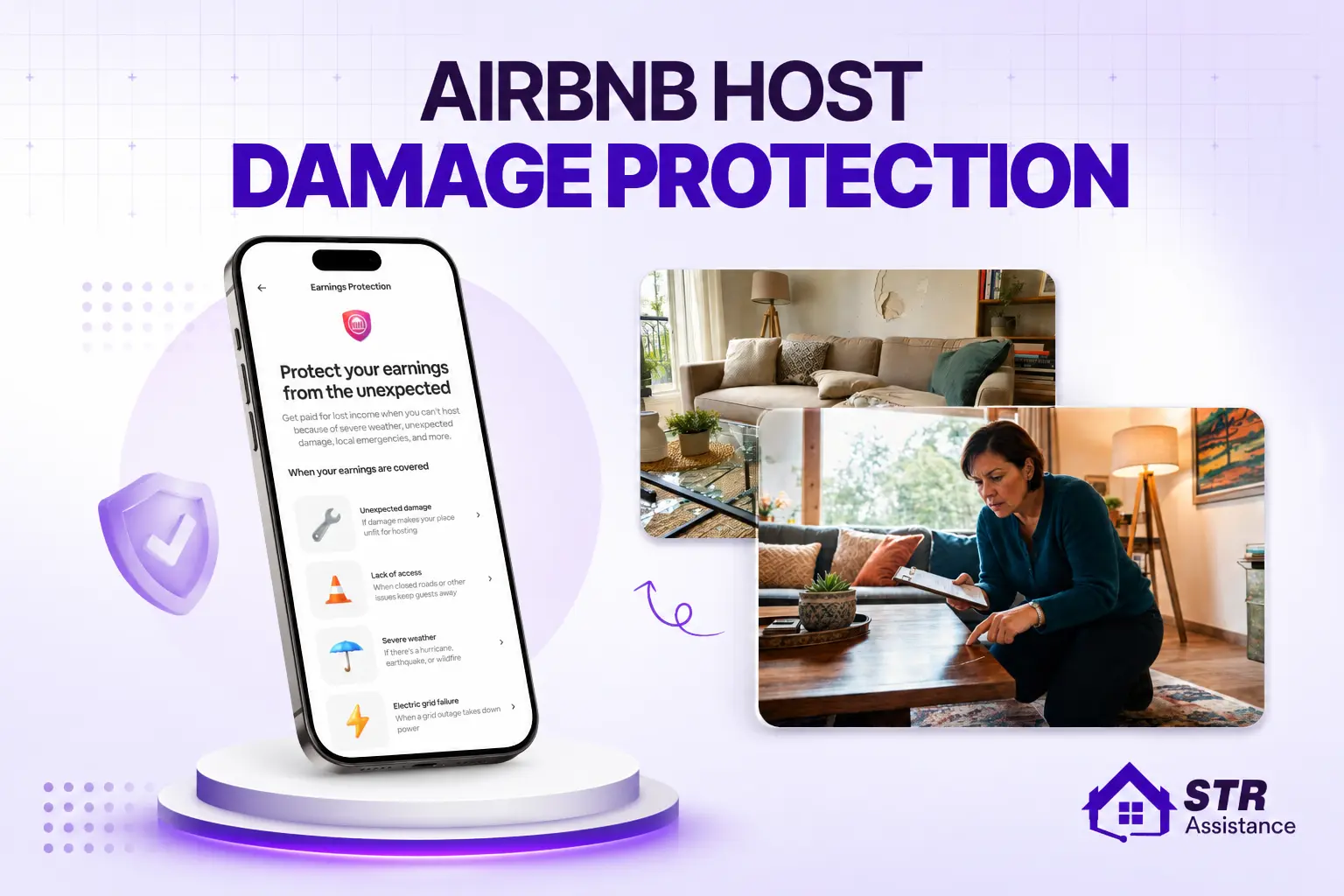
Security deposits exist to cover guest-caused damage, not lost revenue from a cancellation. Attempting to claim one for a cancellation will be denied. If you’re dealing with actual property damage as a separate issue, our guide on Airbnb Host Damage Protection covers what’s actually claimable.
Short-Term Rental Insurance
Some third-party STR insurance policies cover lost rental income, though coverage for guest cancellations specifically is less common than coverage for property damage or liability.
If you’re considering this, read the specific scenarios covered rather than the summary. Ask directly whether guest-initiated cancellations qualify, and under what conditions. Providers like Proper Insurance, Safely, and Pikl offer STR-specific policies worth comparing.
Adjust Your Policy Tier
The most effective long-term fix is choosing a tier that matches how your market actually behaves.
- Flexible and Moderate attract more bookings and are required for Reserve Now, Pay Later eligibility, but expose you to more cancellation risk.
- Firm and Limited protect more revenue on cancelled bookings, but may reduce how many guests book in the first place.
For markets where peak dates don’t refill on short notice, the stricter eligible tier usually protects more revenue overall. For markets with steady last-minute demand, flexibility often wins more bookings than it costs in cancellations.
How STR Assistance Helps With Cancellation Disputes
Most hosts who bring us a cancellation payout issue have already spent hours going back and forth with Support without getting a clear answer.
What we do first is check what actually happened: which policy the listing was on at the time of booking, what the guest’s cancellation timestamp was, and whether the payout matches those terms. That usually answers the question within minutes, and it tells us whether there’s a real dispute worth escalating or whether the terms simply worked against the host.
When there is a case, we build the evidence package and handle the escalation. When there isn’t, we focus on the part that actually recovers money: repricing and refilling the open dates fast, then fixing the policy setting that caused the problem.
Our short-term rental virtual assistants handle this alongside calendar management, guest communication, and the rest of the day-to-day work, so cancellations get caught and dealt with the same day rather than sitting untouched.
Conclusion
If Airbnb didn’t compensate you after a cancellation, the answer is usually in your policy settings rather than in a support error. Start by confirming which tier your listing is actually on, since the October 2025 overhaul migrated most listings automatically.
If the payout doesn’t match your current terms, document everything and escalate with specifics rather than general complaints. If it does match, the more productive move is refilling the dates and reviewing whether your policy tier still fits your market.
Cancellations aren’t fully avoidable, especially with Reserve Now, Pay Later increasing their frequency across the platform. What you control is how fast you recover the dates and whether your policy is set to protect the revenue that matters most to you.