There’s no way to leave a review on Airbnb after 14 days. Whether you are a host or a guest, once the review window closes, the system locks automatically. So, no one can reopen it, the option disappears permanently.
When someone (guest/host) somehow forgets or misses the 14-day review window, they lose the opportunity to provide feedback on your reservation. They cannot post publicly, reopen the window, or request an extension. Only private feedback remains possible.
It’s not just a review for the host or guest, it’s a matter of reputation, which directly impacts future stays. Also, build trust as social proof from both sides. Studies show 97% of review guests rely on past reviews to judge safety, accuracy, and host reliability. In the same way, hosts rely on reviews to improve rankings, earn bookings, and maintain credibility.
That does not end here, there are many things to know about Airbnb’s 14 days review window. We will explain everything that really happens after the deadline and discuss possible areas where anything can be done. At the end, we will share some tips for both on how to avoid missing it next time.
Can You Leave a Review After 14 Days?
You can’t post a review on Airbnb after 14 days have passed. Once the time runs out, the system locks that reservation. So the simple answer is- No, Airbnb does not allow reviews after the 14-day window closes.
As we mentioned already, there’s no way to reopen it. Guests cannot request extra time, and hosts cannot approve a late review. Even support usually can’t reopen it because the system is designed to be final.
If the other person (host or guest) has already written a review, there is still a chance of publication after 14 days. Their review won’t be cancelled because you missed it. If you didn’t submit your review on time, you missed your chance. Nothing іs saved as a draft, and nothing іs waiting. The chance just simply disappears.
Why Airbnb Has a 14-Day Review Limit?
Airbnb uses a 14-day review limit to keep feedback fair and reliable. By using a double-blind system gives both guests and hosts equal time and prevents retaliatory reviews. The short window also encourages honest feedback while the experience is still fresh.
Fairness and transparency: As Airbnb uses the double blind system, neither the host nor the guest can see each other’s reviews until it’s published after 14 days. This system prevents revenge reviews, ensuring honest reviews are given. This way, the 14 days review limit stands as fair and transparent.
- Preventing biased reviews: 14-day review rules same for everyone (hosts or guests), they leave a review as per their experiences. This system also allows them to write, rewrite, rethink their experience, or even attach an emotional touch. This helps to stay real and prevent biased reviews.
- Encouraging timely feedback: As human beings, we are naturally inclined to delay. After setting a deadline, both parties take concrete action within a specific time period. This way, the host or guest stays up to date on recent behaviour and experiences through reviews. In the future, it will help other hosts and guests learn about them and make better decisions.
With a 14-day review window, Airbnb ensures a balance between hosts and guests. This system encourages honest guest reviews from hosts, just as it encourages guests to provide honest feedback to the host.
What Happens If You Miss the 14-Day Deadline?
Once the 14 days deadline closes, the review option simply disappears. There is no button, no option, and no exception. No one can submit their feedback or post publicly. Let’s have a look at each thing deeper, what actually happens, or what you’re gonna face:
Review Option Disappears
After 14 days, the review button just disappears. You won’t find it anywhere in the app or on the desktop. There’s nothing to submit.
You Can’t Post Publicly
That stay will always be a part of your silent history of the journey. No public record of what happened. If someone else wrote a review and you didn’t, theirs will still show up, but yours will not. You don’t have a point of view on the record.
No Exceptions In Most Cases
Getting support is also closed from the Airbnb support center. They can’t help you here. The system is automated, and the deadline is firm. They won’t reopen it because you were busy, forgot, or had a valid reason. Everybody gets the same set window- that’s how the system is meant to work.
One thing to know: you can still respond to a review someone left on you, up to 30 days. But that’s not the same as leaving your own. That chance is gone.
Is There Any Way tо Leave Feedback After 14 Days?
Download free Airbnb Review Template
The short answer іs no. Airbnb’s 14-day review window is firm. You can’t post a public review after it ends. There are nо exceptions, not even through support. That door іs locked for both guests and hosts. But you’re not completely out оf options.
Option 1: Contact the Host Directly
You can still talk to the host privately after the due date. A real way to give feedback, good or bad, it won’t be seen by everyone. Most hosts would like to hear it, and if something went wrong, this is your chance to say it directly.
Option 2: Contact Airbnb Support
Get іn touch with Airbnb support іf something major went wrong during your stay, like a safety issue, discrimination, оr a major policy violation. They can’t write a review for you. But if anyone breaks their rules, they can write down the problem and deal with it themselves.
Option 3: Leave Feedback for Future Stays
If you miss the window once, you’re probably never going to forget it again. For future stays, look for the trips tab after checkout and click “Leave a review” while it’s still there. Write a review іt within a few days оf checkout while the details are still fresh. Taking a quick note on your phone during your stay can also be helpful.
Note: While communicating in reviews, always be polite and professional. Especially if you are a host, knowing how to respond to a guest review on Airbnb is essential for reputation.
How to Check If Your Review Window Is Still Open?
Check your Trips or Reviews section on Airbnb. If you still see a “Leave a review” button, the window is open. If the option is missing or marked expired, it has closed. Here’s how to simply check if yours is still open from 2 ways:
Using Desktop
Log in and click your profile picture, then go to Account → Reviews. Look for a “Reviews to write” tab. If your trip is listed there, you’re still good. If it shows under “Expired reviews” or isn’t there at all, the window has closed.
You can also go to Trips → Past trips. If you see a “Leave a review” or “Write a review” button next to the stay, click it. No button means no window. It can be on your mobile browser by enabling desktop mode.
Using the Airbnb Mobile App
On your mobile, open the app and tap Profile → Reviews → Reviews to write. If the trip appears here, you can still submit. If it’s listed under “Expired” or missing entirely, the deadline has passed.
You can also check under Trips → Past trips. A stay that still shows the “Leave a review” option is within 14 days.
Can You Edit оr Respond After 14 Days?
NO. Once the 14-day window on Airbnb closes, that review is locked. You can’t edit what you wrote, and you can’t add a public response either.
The only real exception іs timing. If both sides (host/guest) submit their reviews early, the system closes right away. You don’t get the full 14 days anymore. Once both reviews are in, everything locks.
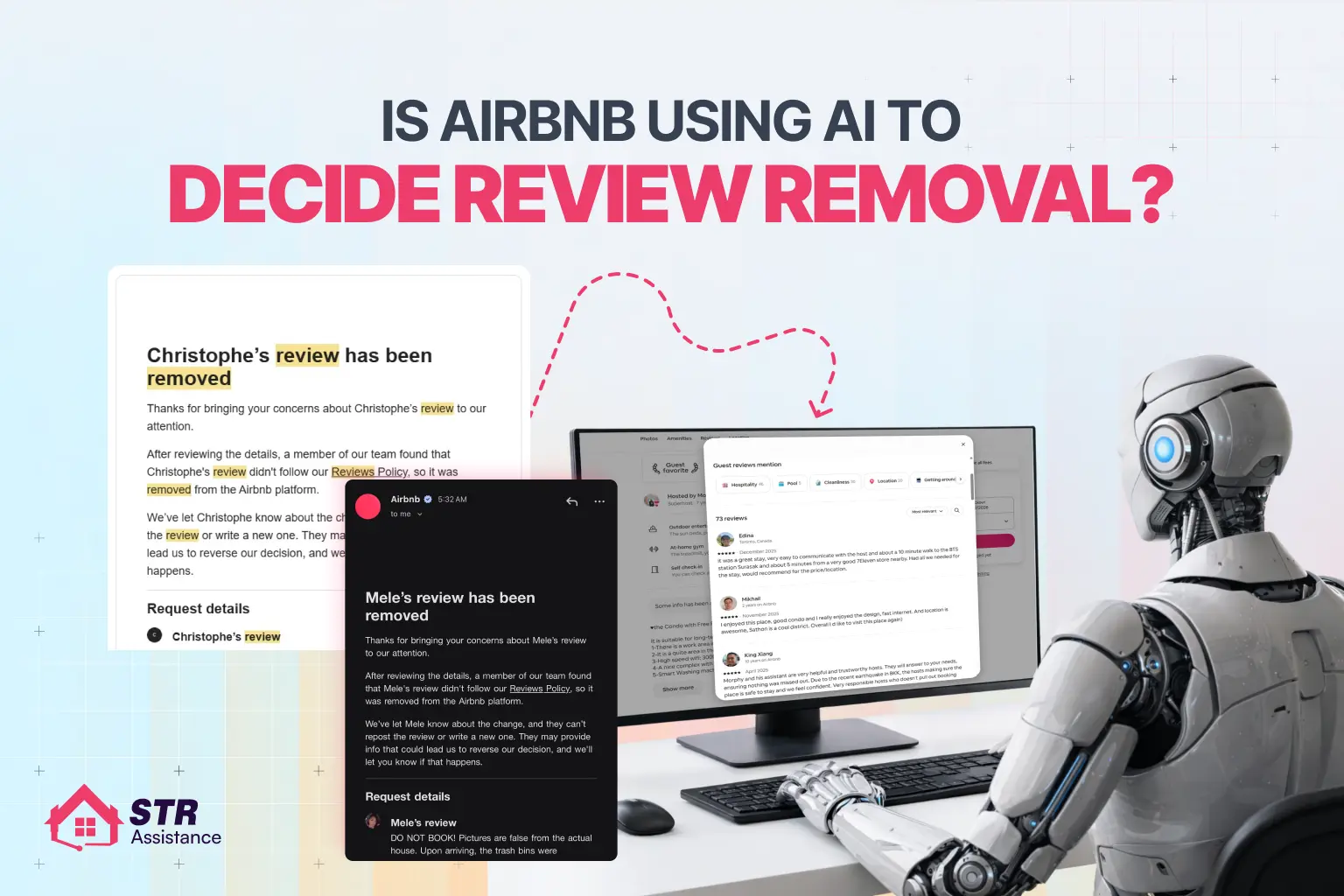
If you wrote something you regret, your only move іs tо ask Airbnb tо remove іt entirely. Understanding the Airbnb reviews removal process helps you achieve effective results from the start, unlike other hosts who are rejected within minutes. But they’ll only do that if it breaks their review policy. They won’t reword it for you.
As a host, you dо get a chance tо respond publicly tо a guest’s review , but that option lives іn your Reviews dashboard, and disappears once the window closes. After that, it’s gone. You can still message the guest privately, but nobody else will see it.
So іf you need tо say something, say іt before the 14 days are up. Once that deadline passes, there’s nothing left tо do.
How to Leave a Review on Airbnb (Step-by-Step Within 14 Days)
First, log into Airbnb, go to Trips → Past stays, open your completed booking, tap “Leave a review,” and rate the categories. Then write your comment, and submit within 14 days- after that, the option disappears.
You have 14 days after checkout to leave a review. Miss that window, and it’s gone, no exceptions. Here’s the leaving review process step by step:
- Log in to your Airbnb account: Open the app or website and sign in. Please ensure you use the same account you used to make the booking.
- Go to Trips: On the app, tap “Trips” at the bottom. On the desktop, click your profile photo and select “Trips.” Then go to the “Past” tab.
- Select your completed stay: Find the stay you want to review. Tap it to open the details. If the 14-day window is still open, you’ll see a “Leave a review” button right there.
- Click “Leave a Review”: Tap it, and Airbnb walks you through the rest. You can also find it under Profile → Reviews → Reviews by You → Reviews to write.
- Rate the categories: You’ll rate cleanliness, communication, check-in, accuracy, location, and value. Then write a short public comment up to 1,000 characters. You can also add private feedback just for the host.
- Submit before the deadline: Submit when you’re done. Once that 14-day window closes, the option disappears completely.
A few things worth knowing:
- Reviews only go live after both sides submit , or when the 14 days run out
- You can edit within 48 hours, but only if the host hasn’t submitted yet
- There are no extensions, no matter the reason
Tips to Avoid Missing the Review Deadline
These tips are not just assumptions; they come from our real-life work with hosts and guests, managing and coordinating their stays. We have faced this type of situation and want to provide tips from our experience – so that, when you face it, you can handle it like a pro.
Set a reminder the moment you check out
- Don’t rely on your memories, set a calendar reminder after checkout for the next day labeled “Leave Airbnb review.” It takes up to 5 seconds but saves the whole thing.
- If you want to delay, you can add a second reminder around day 10. That gives you a real safety net before the window closes.
Turn on Airbnb notifications
- Go into your phone settings and make sure Airbnb can send you notifications. The app sends review prompts, but only if you let it.
- Also, check your email, including the Promotions or Spam folder. Airbnb sends reminder emails, and they sometimes land in the wrong place.
Write it the same day if you can
- The day you check out, everything is still fresh. You remember everything, whether it’s good or bad. Waiting three days means you’re writing from a blurry memory.
- Even writing down two or three key notes helps you leave a review later. It will take 2- 5 minutes when you have keynotes during your stay.
Check your Trips tab after checkout
- Also, don’t rely only on notifications. Open the app, go to Trips → Past, and confirm the “Leave a review” button is there. It takes ten seconds and removes all the uncertainty.
Keep your app updated
- An outdated app sometimes misses prompts or shows things late. Just keep it updated. It’s a small thing that quietly causes problems when ignored.
Final Thoughts
Missing the 14-day review window feels small, but it teaches a clear lesson. Airbnb keeps the rules strict for fairness, not punishment. You are not alone who misses the 14-day review window. We’ve missed it too, and later understand how important it is.
If you missed the window, take it as a reminder, not a failure. Next time, act early, and your experience will still help others, as we are doing right now. We suggest you leave the review early, keep it honest, and keep it timely. If you read this article in full, we can make sure that you’ll never have to wonder about the deadline again.
We prefer a well-thought-out response to a long battle to get the review taken down.